Creating Puzzles and Signs with the Inlay Toolpath
In this webinar, we will cover how to use the VCarve 3D toolpaths to machine the two-sided candy dish.
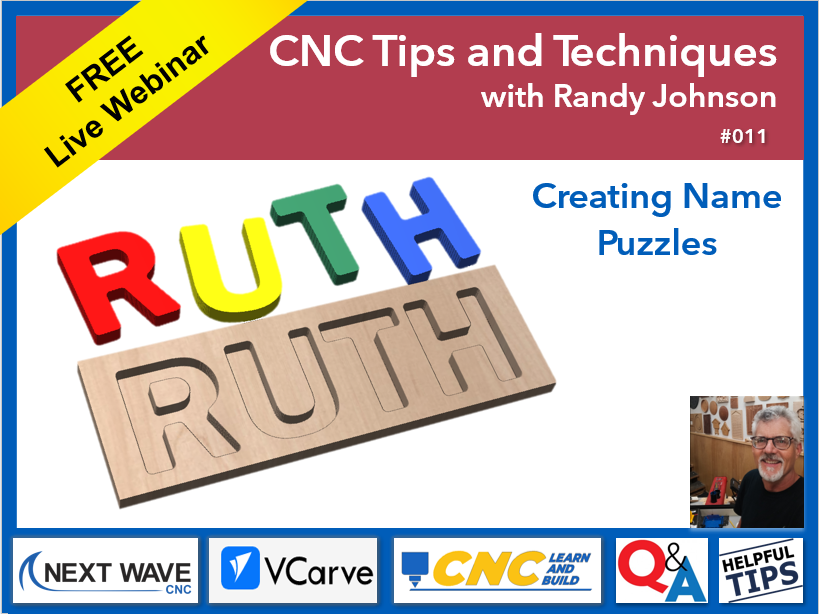
This webinar covers how to use Vectric VCarve’s Create Inlay Toolpath to design and machine a simple name puzzle. The session shows how to use text and other shapes to create clean-fitting inlays on the CNC. You will see how inlays differ from standard pocket and profile toolpaths, and why they are ideal for puzzles and sign-making. By the end of the webinar, you will understand not only how to create the puzzle, but how to apply the same method to future inlay projects.
What You Will Learn
How to set up a basic puzzle design in VCarve specifically for inlay machining
The purpose and mechanics of the Create Inlay Toolpath (male and female components)
Proper bit selection and key toolpath settings for clean inlay fits
A step-by-step CNC workflow from design to cutting
Common inlay mistakes and how to avoid gaps, tearout, and fit issues
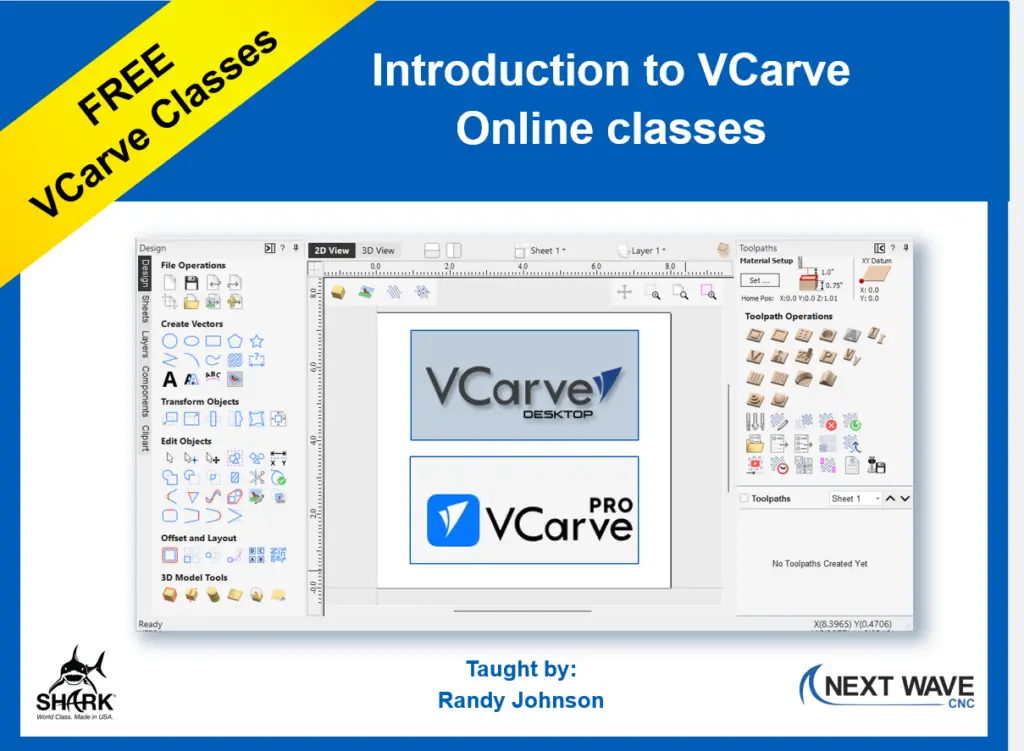
In this series of 90-minute classes, you will learn about the essential drawing and design tools in VCarve and how to set up toolpaths for your router bits. Whether you’re new to VCarve or need a refresher, this class provides a solid introduction to VCarve Desktop or VCarve Pro.
This class covers the following :
Creating and editing basic projects
Creating and editing text
Selecting the right router bit
Creating toolpaths
Determining the best feeds and speeds for your machine
Working with 3D models in VCarve
Creating 3D toolpaths for carving 3D modeling in VCarve